



AI Content Creation System | DigitalSavvyHQ
AI Content Creation System Built for consistency

The AI Content System That Creates 30+ Pieces of Content Every Week

A simple, proven workflow using AI tools to generate blog posts, videos, and social content — without burnout or overwhelm.

Outcome-first steps (no fluff)
Works even if you’re starting from scratch
Designed for a weekly cadence
What you gain immediately

A repeatable system that turns one good idea into a full week of content—so you ship more and stress less.

Weekly Output Map

See how one idea becomes a full content set.

01 1 Core Idea

Your weekly theme.

02 1 Blog Post

SEO-friendly structure.

03 1 Video Script

Hook → value → CTA.

04 5–10 Social Posts

Threads, reels, carousels.

Target output
10–30 pieces/week

You’ll scale up as your library grows.

Get My Free AI Workflow Toolkit
No spam. One-click unsubscribe. Your email stays private.
Authority-first structure

A system you can repeat, teach, and scale.

What You’ll Be Able to Do

This is designed to help you publish more—without adding more chaos to your week.

Jump to the steps
Generate content ideas instantly
Never stare at a blank page again—start each week with a clear plan.
Create blog posts using AI
Go from outline → draft → publish-ready without losing your voice.
Turn content into videos and posts
Create a full week of short-form content from one strong piece.
Stay consistent without burnout
Batch the work, reuse patterns, and keep your workload predictable.
Build a repeatable content system
A workflow you can run weekly—so content becomes a habit, not a hassle.

Who This System Is For

If you want consistent output with less mental load, this is built for you.

Beginner creator avatar
Beginners
Starting content creation
You’ll gain

A clear weekly plan that tells you what to make and what to post.

Freelancer avatar
Freelancers
Building authority
You’ll gain

Content that attracts clients while you focus on paid work.

Business owner avatar
Business owners
Needing consistency
You’ll gain

A repeatable workflow that keeps your brand visible every week.

Creator avatar
Creators
Saving time with AI
You’ll gain

A faster way to create without sacrificing quality or clarity.

Not for you if… you want random AI outputs with no structure, or you’re looking for a “one prompt does everything” shortcut.

How The AI Content System Works

This system takes you from idea to published content using simple tools and repeatable steps.

Jump to steps
Ideas

Pick a weekly theme you can reuse.

AI Writing

Outline and draft in your voice.

Content Creation

Turn drafts into publish-ready assets.

Repurposing

One piece becomes many formats.

Publishing

Schedule, ship, and stay consistent.

Bottom line: you gain a weekly pipeline that keeps your content moving forward—even when you’re busy.
Start at Step 1

Step-by-Step: The Full System

Each step is built to give you a concrete output you can publish—or repurpose immediately.

Get the free toolkit
1
STEP

Generate Ideas

Use AI to generate unlimited content ideas based on your niche.

What you gain

A week of ideas you’re actually excited to write about.

Output

A short “Weekly Theme + 10 angles” list.

MINI EXAMPLE
Idea set
Weekly theme: “Stop wasting time on content planning”
Angles: 10-minute planning routine • 3 hooks that convert • repurpose checklist • what to automate first
Tool
ChatGPT
See How I Use ChatGPT
Tip: ask for angles and hooks, not “random ideas.”
2
STEP

Create Content

Turn ideas into blog posts, scripts, and captions using AI.

What you gain

Drafts you can edit fast—without starting from zero.

Output

Blog outline + first draft + script + captions.

MINI EXAMPLE
Structure snippet
Hook: “If you ‘plan content’ every week and still don’t post—this fixes it.”
Body: 3 steps • 2 examples • 1 checklist
CTA: “Download the workflow toolkit.”
Tools
ChatGPT
Notion
View Content Workflow
Tip: store your best prompts and templates so quality improves weekly.
3
STEP

Design Visuals

Create thumbnails, graphics, and social media visuals.

What you gain

A consistent look that makes content feel “real” and trustworthy.

Output

1 thumbnail + 3–5 post templates you reuse.

MINI EXAMPLE
Visual system
Template rule: 1 headline • 1 proof point • 1 icon • 1 brand accent color (azure)
Tool
Canva
See Canva Setup
Tip: build 3 reusable templates before you make anything new.
4
STEP

Repurpose Content

Turn one piece of content into multiple formats (blog, video, social).

What you gain

More reach from the same effort—without repeating yourself.

Output

1 long-form → 5–10 short-form pieces.

MINI EXAMPLE
Repurpose map
Blog post → 1 LinkedIn post • 1 thread • 3 short hooks • 1 newsletter section • 1 video outline
Tool
Optional tools (your stack)
Learn Repurposing Strategy
Tip: repurpose from one core message so your content stays consistent.
5
STEP

Publish & Automate

Schedule and automate your content distribution.

What you gain

Consistency—even when life gets busy—because posting is planned.

Output

A weekly schedule + automated routing.

MINI EXAMPLE
Automation idea
When a post is approved in Notion → send to scheduler → add to newsletter draft → notify you in email.
Tools
Make / automation tools
Beehiiv
See Automation Setup
Tip: automate distribution last—after your content quality is stable.

Tools Used In This System

Tools are optional. The gain is the workflow: faster output, clearer structure, and less decision fatigue.

Affiliate links may be included
Tool
What it’s for
Quick win
Content generation (ideas, outlines, drafts, scripts).
Save 1–2 hours/week
Organization (content calendar, drafts, prompt library).
Reduce missed posts
Visual design (thumbnails, templates, post graphics).
Templates in 30 min
Automation (move drafts, send alerts, route content).
Automate 1 workflow
Email growth (newsletter publishing + list building).
Add 1 weekly email

Disclosure: Some links may be affiliate links, meaning DigitalSavvyHQ may earn a commission at no extra cost to you. We only recommend tools that fit the system.

What Results You Can Expect

This is what you gain when your workflow is stable: more output, better consistency, and less stress.

OUTPUT
10–30
pieces per week
SPEED
2–4×
faster creation
CONSISTENCY
Weekly
publishing rhythm
Before vs After

A simple timeline shift: from scattered to scheduled.

Before
Ad-hoc
Random ideas, slow drafts, missed weeks
After
System
One theme → batch → schedule → repeat
  • Faster content creation workflow
  • Better consistency (so visibility compounds)
  • More traffic and visibility over time

Common Mistakes to Avoid

Avoid these and you’ll gain momentum faster—with less rework.

Revisit the steps
What to do instead

Pick one tool per step. Your gain is speed and clarity.

See the tool list
What to do instead

Use the 5-step pipeline: one weekly theme, then batch your outputs.

Review the system flow
What to do instead

Automate the schedule only after you can produce the weekly batch.

Go to Step 5
What to do instead

Use consistent templates: hook, points, examples, CTA. Your gain is higher-quality drafts.

Go to Step 2
Remember: your goal isn’t “use AI.” Your goal is publish consistently.
Free download

Get My Exact AI Content Workflow (Free)

Download the exact steps, tools, and prompts I use to create content consistently using AI.

What you gain

A simple weekly checklist you can follow in under 60 minutes.

What’s inside

Prompt pack + templates + publishing schedule.

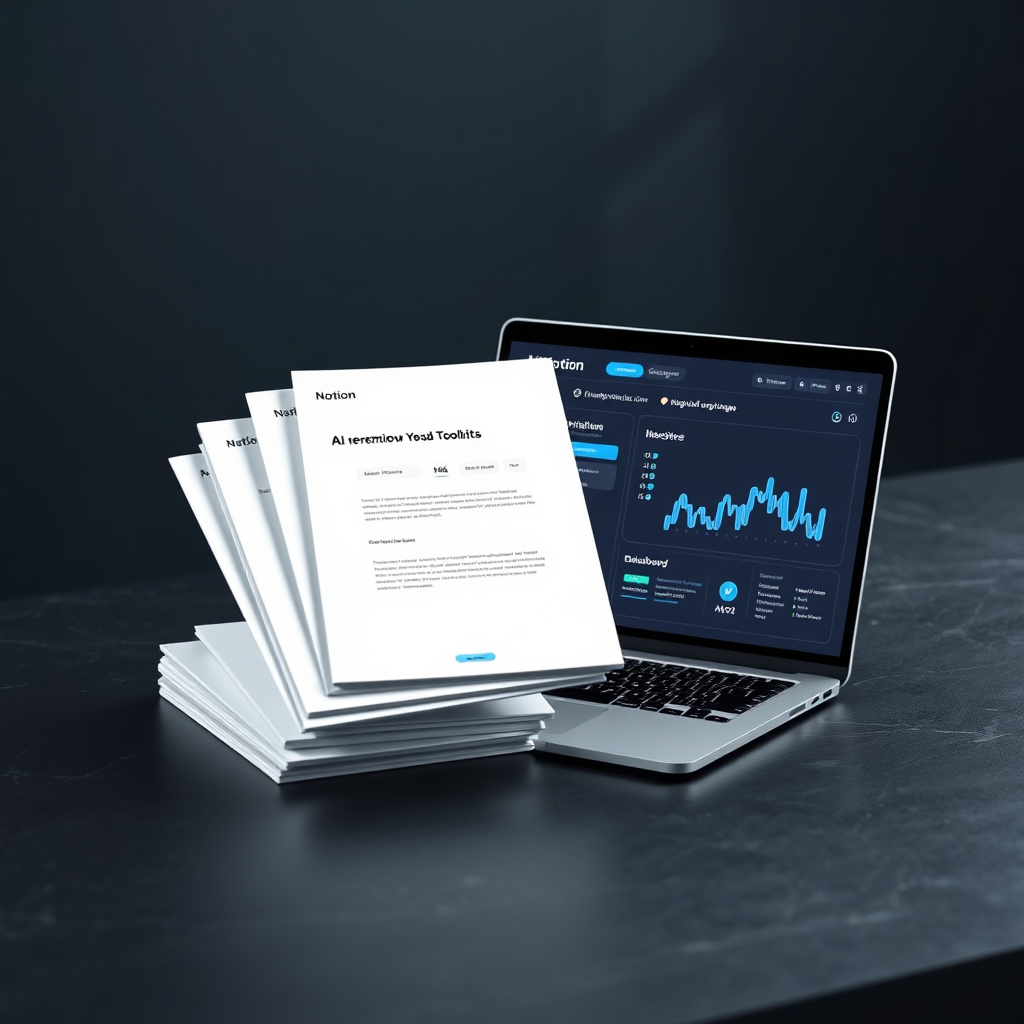
Toolkit preview
PDF + Notion
AI workflow toolkit preview
Get instant access
Send me the toolkit

Privacy: I’ll send the toolkit and a few helpful emails. Unsubscribe anytime.

Fast start: use the “Weekly Theme” template and publish your first batch this week.
Secure form
Instant delivery
Prefer to read first? Explore related articles.

What To Do Next

Choose the path that gives you the biggest win right now.

Start with this system

Gain a weekly workflow that produces content reliably—starting today.

Re-run the steps

Explore other systems

Gain clarity by picking the next system that matches your goal.

See what to learn next

Learn automation workflows

Gain consistency by reducing manual steps after your content is ready.

Start with automation tools