
WorkflowEngine Pro
The operational backbone for connecting AI models to real-world business outcomes. Eliminate manual hand-offs and build a self-scaling digital infrastructure.
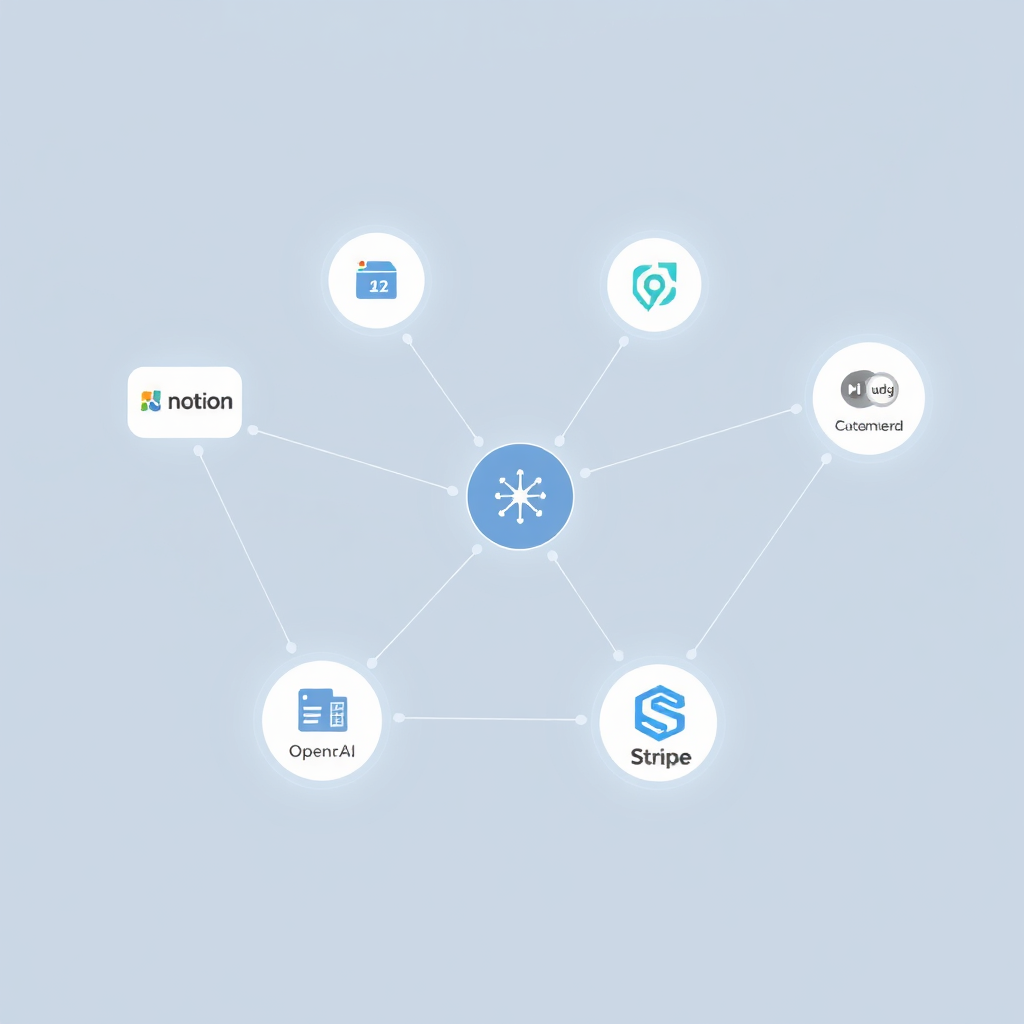
Category
Automation Hub
Difficulty
Low to Medium
Pricing
Free to $29/mo
Integrations
6,000+ Apps
Best Use Case
Data Pipelines
Recommended For
System Builders
The Operational Impact
Stop manually moving data. This tool functions as the "nervous system" for your business operations.
Bottleneck Removal
Eliminates the 'human middleman' in 90% of data entry tasks, allowing information to flow instantly between systems.
Time Reclamation
Saves an average of 15-20 hours per month for solo creators by automating repetitive client onboarding and content distribution.
Ecosystem Synergy
Turns disconnected tools into a unified income-generating system where every action triggers a logical next step.
Who Should Implement This?
Matching the tool to your current operational stage.
The Setup Starter
Best for those looking to automate their first 2-3 basic tasks like email sorting or social posting.
Content Architects
Ideal for multi-platform creators managing high-volume content output and AI-assisted drafting.
Service Operators
Crucial for managing client onboarding, reporting, and fulfillment cycles without manual labor.
Systems Leads
For those building complex internal SOPs and automated team management systems.
Primary Workflow Applications
AI Content Engine
Automate the journey from raw idea to multi-channel distribution using GPT-4 hooks.
Zero-Touch Onboarding
Ensure every client gets the same premium experience the second they pay.
The Knowledge Vault
Build a self-organizing library of industry insights and competitor research.
Core Automation Architectures
Visualizing the logic behind successful implementations.
01 The Lead Conversion Loop
Automatically captures, qualifies, and schedules potential clients while you sleep.
- Lead Score logic integrated
- 0ms response delay
02 Omni-Channel Content Repurpose
Convert one long-form asset into 15+ micro-assets for all platforms instantly.
- Video-to-text intelligence
- Platform-specific formatting
Implementation Checklist
Connect Your Source Of Truth
Usually a database like Airtable or Notion. This is where your system will read data from. Use a dedicated API key for security.
Build Your First "Trigger"
Choose one specific event that starts the workflow. Example: "New row in Spreadsheet" or "New Email Received". Keep it narrow.
Configure Optimization Settings
Turn on "Auto-Retry" and "Data Loss Prevention" features. These ensure that if one app goes down, your system doesn't break permanently.
The "Common Mistake" Audit
Avoid creating infinite loops by never setting a tool to trigger itself. Test with "Sample Data" before going live.
Pro Tip for Beginners
Start with a "Read-Only" workflow. Just move data to a private Slack channel to see if it's working before you allow the tool to send emails or charge clients.
Real-World Implementations
Solo Agency Owner
Scaling from 3 to 10 clients
Problem
Spent 5 hours/week manual reporting and sending updates.
Solution
Automated Airtable-to-PDF reports sent via Gmail every Friday.
Result: 100% manual reporting eliminated.
Education Business
Student Support System
Problem
Support inbox overwhelmed with 'how to start' questions.
Solution
AI-triage system that scans emails and sends relevant help docs automatically.
Result: 70% reduction in support tickets.
Integrated Ecosystem
WorkflowEngine Pro works best when connected to these DigitalSavvyHQ verified systems.
The Implementation Advantage
-
Extreme Scalability
Easily handles 1 trigger today and 1,000 tomorrow without needing a new infrastructure.
-
No-Code Freedom
Zero coding required to connect complex APIs, putting technical power in non-technical hands.
-
Error Handling
Built-in safety nets that catch failed tasks and allow you to re-run them after fixing.
Operational Risks
-
Learning Curve
Logic-based thinking is required. Getting the 'filter logic' wrong can lead to system errors.
-
Pricing at Scale
As you become more automated, the monthly cost increases based on usage volume.
-
Dependency Risk
If this tool goes down, your entire business infrastructure halts. Requires a backup plan.
Neutral Comparison
When to choose WorkflowEngine Pro vs. other industry standards.
The Legacy Competitor
Better For: Budget Users
Lower entry price but significantly harder to use for complex multi-step logic. Choose if you only have simple 1-step tasks.
WorkflowEngine Pro
Better For: High-Growth Ops
The best balance of visual mapping and power. Perfect for builders connecting AI to production systems.
Enterprise Logic Tool
Better For: Developers
Cheapest at massive scale but requires Javascript knowledge. Only choose if you have a developer on staff.
Your Systems Roadmap
Beginner Path: The Base Build
Focus on connecting your CRM to your notification system. Master the 'webhook' and 'trigger' terminology.
Intermediate Path: The AI Layer
Integrate OpenAI API steps to process data, write drafts, or categorize feedback before it reaches you.
Advanced Path: The Scale Ops
Build nested loops and complex conditional branching. This is where you create fully automated revenue engines.
Ready to Build Your Infrastructure?
Don't just use another tool. Build a system that gives you back 20 hours a month. Start with the free tier today.