
Organizing Your Second Brain with AI
Transform information overload into actionable insights for creators, freelancers, and entrepreneurs.
Taming the Digital Deluge: Why You Need a Second Brain
In today's fast-paced digital world, creators, freelancers, and entrepreneurs are constantly bombarded with information. Ideas, articles, meeting notes, project requirements, course materials – it's a never-ending stream. Without a robust system, this valuable input quickly turns into overwhelming noise, lost opportunities, and wasted time searching for that one crucial piece of data.
This is where the concept of a "second brain" comes in. It's a personal knowledge management (PKM) system designed to capture, organize, and retrieve everything you learn and create. But what if you could supercharge this system with Artificial Intelligence? DigitalSavvyHQ is here to show you how Notion, combined with powerful AI tools, can transform your information chaos into a perfectly organized, highly actionable intelligence hub.
Get ready to stop forgetting, start creating, and build a knowledge base that compounds over time, empowering your productivity and decision-making like never before.
Unlocking Your Digital Memory: The Second Brain Explained
A second brain is essentially an external nervous system for your knowledge and ideas. It’s a digital workspace where you store, organize, and cross-reference information that matters to you. Think of it as a personal library, a creative incubator, and a project manager all rolled into one.
-
Never Lose an Idea: Capture fleeting thoughts, brilliant insights, and important data before they vanish.
-
Contextualize Information: Connect disparate pieces of information to form a holistic understanding.
-
Fuel Creativity & Productivity: Have a rich reservoir of resources to draw upon for any project or creative endeavor.
AI Insight: Beyond Human Capacity
AI integration elevates a Second Brain from a static archive to a dynamic intelligence hub. It automates categorization, surfaces hidden connections, and proactively delivers insights, turning raw data into strategic assets at an unprecedented scale.
The DigitalSavvyHQ Second Brain Framework: Your 4-Layer System
Our proprietary framework for building a robust AI-powered Personal Knowledge Management (PKM) system is designed for seamless information flow and maximum actionable output. It consists of four interconnected layers.
1. Capture Layer
The entry point for all information.
- Notes & Ideas
- AI Conversations
- Book Highlights
- Research Data
2. Processing Layer
AI-enhanced refinement of captured data.
- AI Summarization
- Categorization
- Tagging & Linking
- Prioritization
3. Knowledge Layer
Structured storage of refined information.
- Resource Database
- Content Database
- Business Database
- Learning Repository
4. Action Layer
Translating knowledge into tangible output.
- Projects & Tasks
- Content Creation
- Decision-Making
- Goal Tracking
Your Journey to AI-Powered PKM Mastery Starts Here
This framework provides a clear roadmap. Each layer is enhanced by AI, ensuring that information doesn't just sit there, but actively contributes to your productivity and strategic output. Now, let's dive into practical implementation.
Notion: Your Customizable Command Center for Digital Note Taking
Notion is much more than just a note-taking app; it's a versatile workspace that can be molded to fit any workflow. Its powerful database functionality makes it ideal for building a structured AI Second Brain. With native Notion AI integrated, it becomes an even more powerful ally for Personal Knowledge Management and AI Productivity.
Building Your First AI-Powered Knowledge Hub in Notion: A Step-by-Step Guide
Ready to transform your digital chaos into an organized, intelligent system? Follow this step-by-step guide to set up your foundational Notion AI Knowledge Management System.
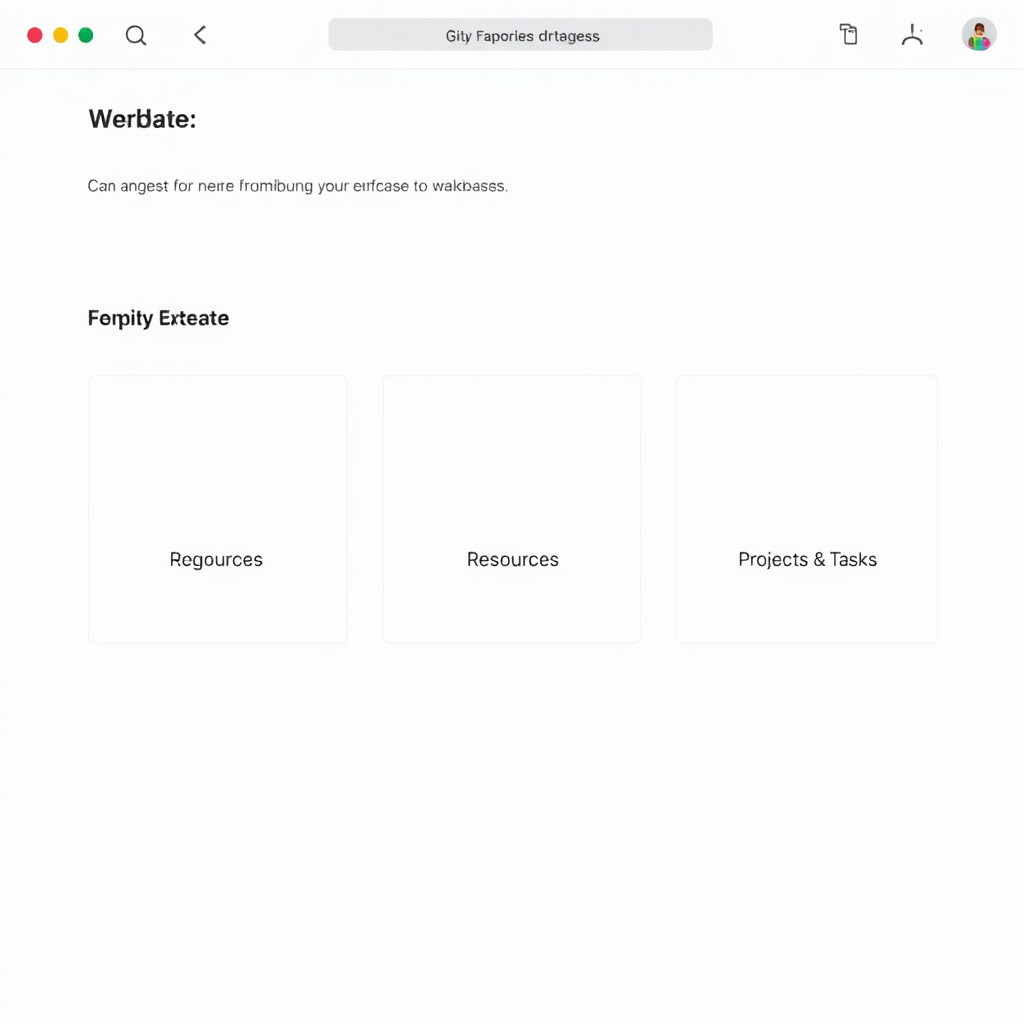
Create Your Core Databases
The backbone of your Second Brain. Start with three essential databases:
- Master Notes & Ideas: For all spontaneous thoughts, meeting notes, and creative sparks.
- Resources: To store articles, book summaries, videos, and research.
- Projects & Tasks: Where your actionable work resides, linked to relevant knowledge.
Set Essential Properties
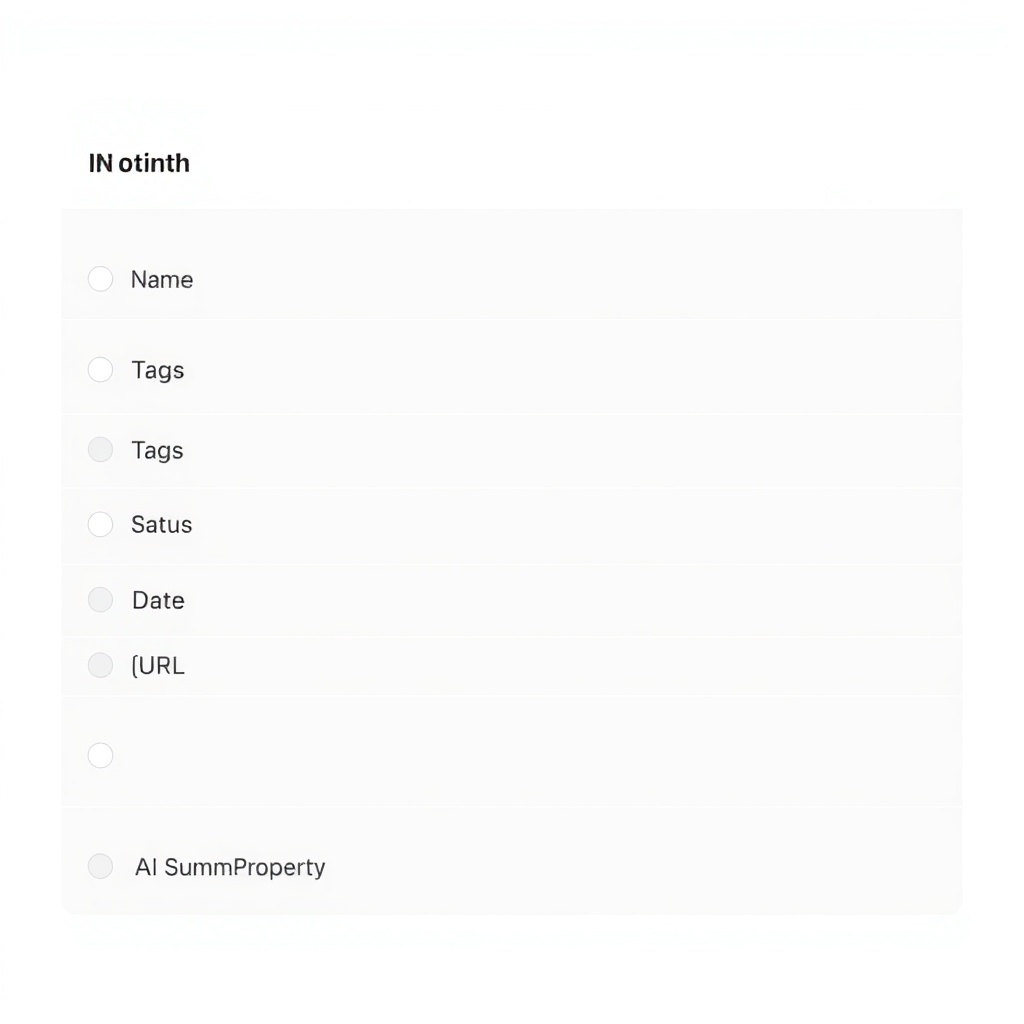
Properties define the type of information each item holds. For each database, add these properties:
- Name: (Default) The title of your note, resource, or project.
- Tags: (Multi-select) For broad categorization.
- Status: (Select) E.g., "Draft", "In Progress", "Completed" for notes/projects; "Read", "To Read" for resources.
- Date: (Date) Creation or last edited date.
- URL: (URL) For linking to external sources.
- AI Summary: (AI Property) Crucial for quick overviews.
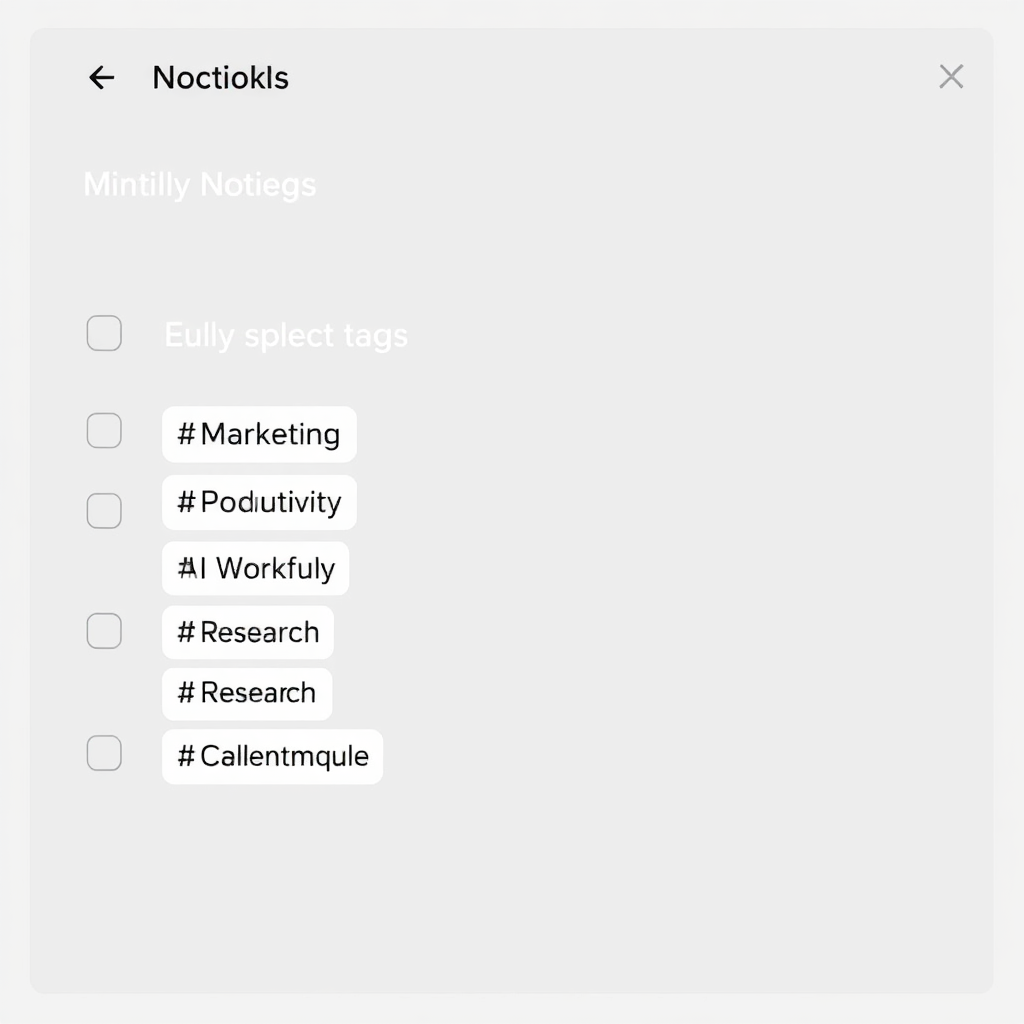
Define Your Tag Structures
Tags are vital for search and categorization. Start with a few broad categories and let them evolve:
- Areas of Responsibility: e.g., #Marketing, #Finance, #PersonalDev, #ClientWork.
- Content Types: e.g., #Article, #Video, #Book, #Meeting.
- Status/Action: e.g., #ToReview, #ActionRequired, #Archive.
Integrate Notion AI
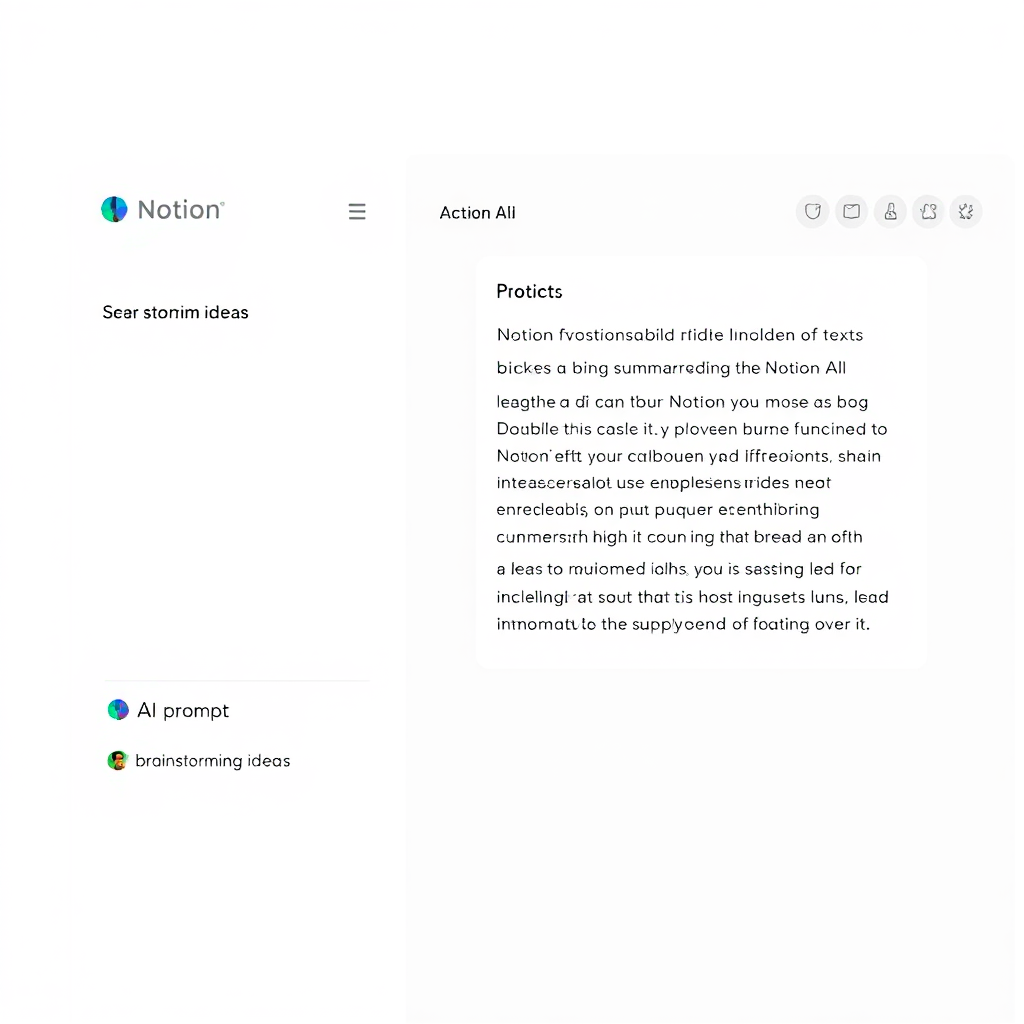
Notion AI is your secret weapon. For any page or database entry, you can prompt AI:
- Summarization: Highlight text and ask Notion AI to "Summarize key points."
- Brainstorming: Ask for "5 content ideas about [topic]."
- Drafting: "Draft an email to [client] about [project update]."
- Refining: "Improve grammar and clarity of this paragraph."
Establish a Page Hierarchy
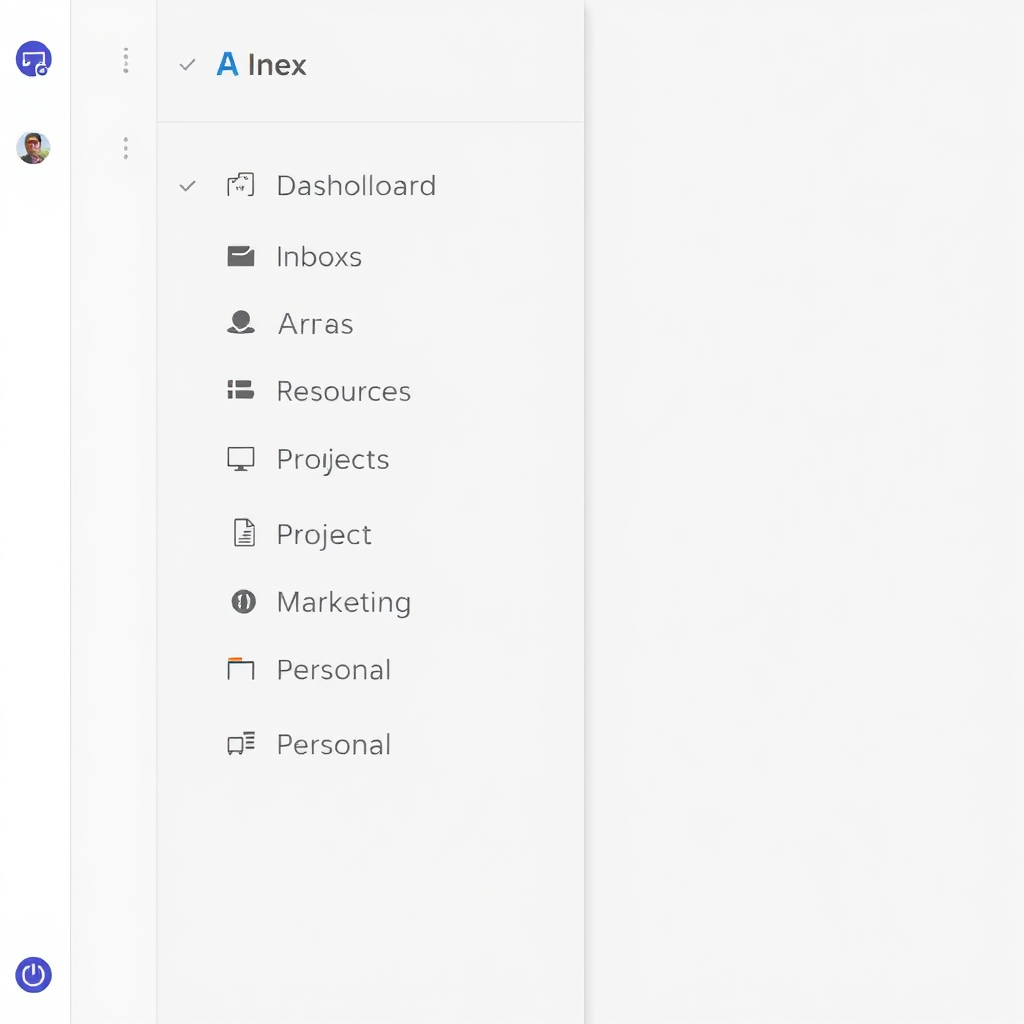
Organize your databases and pages in a logical structure to prevent clutter:
- Top-Level Pages: Create pages for "Dashboard", "Inbox", "Areas", "Resources", "Projects".
- Nested Pages: Within "Areas," create pages for specific topics (e.g., Marketing > SEO, Content Marketing).
- Linked Views: Embed filtered views of your databases onto relevant pages (e.g., show "Marketing Projects" on your "Marketing" Area page).
Your Foundation is Set!
With these steps, you've laid a strong foundation for your AI Second Brain. The next step is to supercharge your daily workflows with powerful AI prompts that turn information into action.
The Pillars: Essential Components for an AI-Powered PKM
Building a sophisticated AI Organization System requires integrating key components that leverage artificial intelligence for optimal AI Productivity and knowledge synthesis.
Intelligent Note Capture
Quickly capture ideas from any source. AI can automatically categorize and extract key entities, turning raw thoughts into structured data for your Digital Note Taking system.
Dynamic Content Organization
Move beyond rigid folders. Organize content by topic, project, or area of life. AI suggestions can help you find the best home for new entries, fostering an intuitive Knowledge Management System.
Smart Tagging Systems
AI can analyze content and suggest relevant tags, ensuring consistency and making your knowledge truly searchable without extensive manual effort. This powers effective AI Organization System.
AI-Powered Summarization
Instantly condense lengthy articles, meeting transcripts, or research papers into concise summaries, saving hours of reading time and boosting AI Productivity.
Advanced Knowledge Retrieval
Ask your AI Second Brain natural language questions and let AI find precise answers, not just keywords, across all your stored information, enhancing your Personal Knowledge Management.
Workflow Automation
Automate routine tasks like creating meeting notes, generating reports, or scheduling follow-ups based on newly captured information, building a powerful AI Workflow.
Infographic: The AI-Powered PKM Cycle
Visualizing the continuous loop of capture, process, organize, and apply, all amplified by AI.
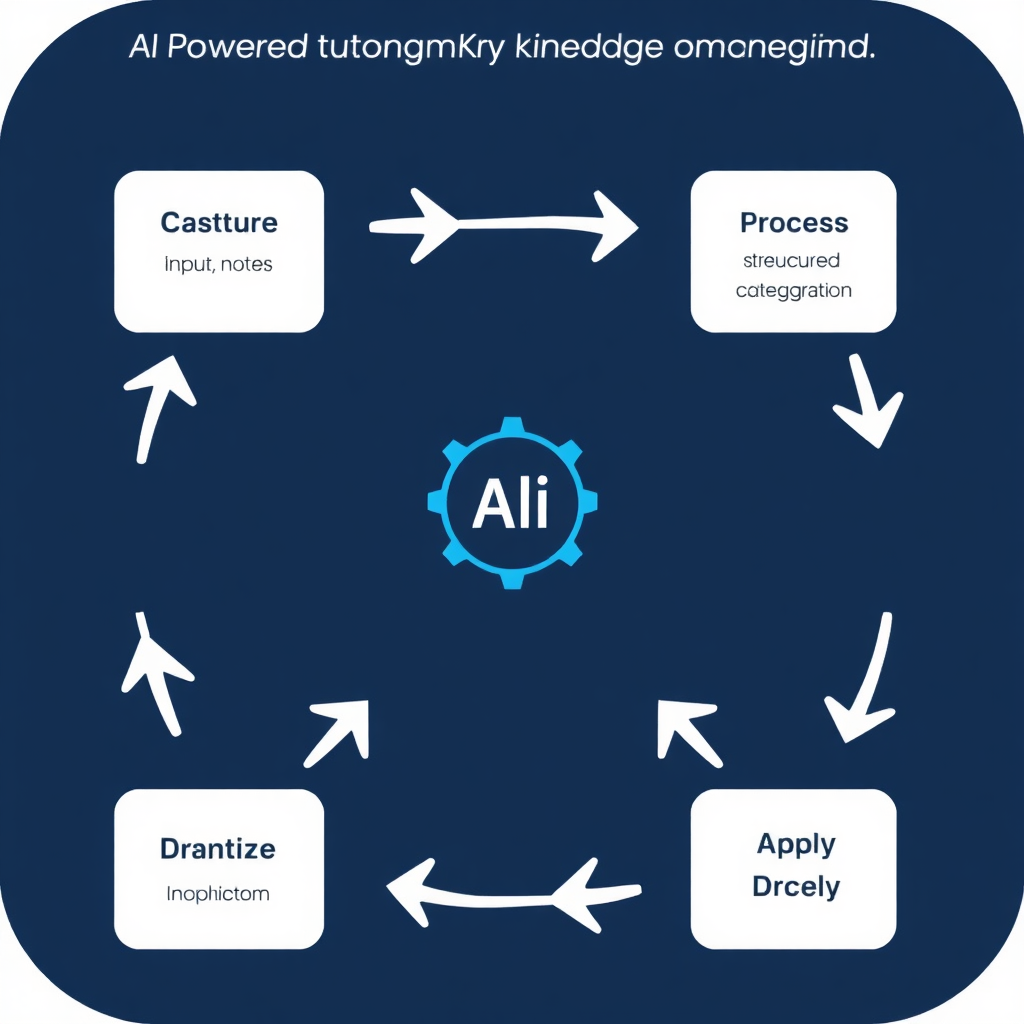
AI Transforms Information Overload into Actionable Insights
This is where AI Productivity truly shines. It doesn't just store your data; it actively processes, understands, and connects it, allowing you to derive value you couldn't otherwise. This is the core of an effective AI Second Brain and a true AI Workflow.
AI Summarization: Get to the Core, Faster
Imagine dropping a 5,000-word article into Notion and having a bullet-point summary, key takeaways, and action items generated automatically. This is a game-changer for staying updated without getting bogged down, significantly boosting your AI Productivity.
AI Prompt Example (Notion AI):
"Summarize this article into 3-5 key bullet points. Identify the main argument and any actionable steps mentioned for a freelancer. Suggest 3 relevant tags."
Use this for web articles, PDFs, meeting transcripts, or even your own long-form notes to quickly refresh your memory, enhancing your Digital Note Taking experience.
Knowledge Retrieval: Your Personal Research Assistant
Instead of endlessly scrolling, ask your Second Brain a question. Notion AI can search across all your interconnected databases to pull together relevant information, even if it's spread across different notes, proving invaluable for Personal Knowledge Management.
AI Prompt Example (Advanced Search):
"Find all notes and resources related to 'customer acquisition strategies for B2B SaaS' from the last 6 months. Extract any specific tactics mentioned by [Author Name] and present them as a list."
This is invaluable for research, preparing for calls, or just connecting dots you might have missed. It transforms your knowledge base into an active participant in your problem-solving, a true Knowledge Management System.
5 AI Prompts Every Second Brain Needs
Supercharge your AI Second Brain with these essential Notion AI prompts, designed to streamline your AI Workflow and boost your AI Productivity. Copy them directly into your Notion AI blocks or preferred AI tool.
Article Summarizer
"Summarize the following article into 5 key bullet points. Extract the main argument and any explicit action items or recommendations for a digital entrepreneur. Suggest 3 relevant tags for a knowledge management system."
Use Case: Quickly grasp the essence of lengthy articles or blog posts without reading every word. Ideal for populating your Resources database with concise, actionable summaries.
Meeting Notes Processor
"From the meeting transcript below, identify all action items with their responsible parties and deadlines. List key decisions made and any open questions. Format as: 'ACTION: [Task] (Owner, Due Date)'. Add tags for meeting type and project."
Use Case: Transform raw meeting notes or transcripts into organized, actionable tasks and decisions. Perfect for updating project databases and ensuring accountability in your AI Workflow.
Content Idea Generator
"Based on the following notes about [topic/niche] and my target audience [describe audience], generate 10 unique content ideas for blog posts or social media. For each idea, include a catchy title and a brief angle. Consider current trends in [industry]."
Use Case: Overcome writer's block and consistently generate fresh content ideas. Feeds your content calendar and leverages your stored knowledge to create relevant, engaging material.
Research Assistant
"Analyze the provided research papers/documents on [subject]. Identify common themes, conflicting viewpoints, and any gaps in the research. Provide a synthesis of the key findings, highlighting 3-5 crucial data points. Suggest further research questions."
Use Case: Consolidate complex research, identify patterns, and prepare for deep dives. Essential for academic work, market analysis, or developing informed business strategies with your Knowledge Management System.
Project Planner
"Given the project brief and linked resources, outline a detailed project plan including: 1. Main phases, 2. Key deliverables for each phase, 3. Potential roadblocks, 4. Required resources. Suggest a timeline estimate for each phase. Create relevant tags."
Use Case: Jumpstart new projects with a structured plan, drawing from previous project templates and knowledge. Improves efficiency and ensures comprehensive planning from the outset for robust AI Productivity.
Craft Your Own AI Prompts!
These prompts are just a starting point. Experiment with Notion AI and other LLMs to create custom prompts that perfectly fit your unique workflows and information needs. The more specific you are, the better the AI's output for your AI Organization System.
Beyond Storage: Project Management, Learning, and Automation for Your AI Workflow
An AI-powered Second Brain isn't just for archiving. It becomes an active partner in your daily operations, driving AI Productivity and strategic growth.
Project Management with Context
Connect your project tasks directly to relevant notes, research, and client communications. Notion AI can help prioritize tasks by analyzing associated information and flagging potential blockers. For instance, Notion AI can help you draft a project brief based on linked client meeting notes, making project planning part of your seamless AI Workflow.
- Auto-generate task descriptions and sub-tasks.
- Summarize project status updates for stakeholders.
- Draft communication for team members or clients.
- Identify cross-project dependencies through knowledge linking.
Accelerated Learning Repositories
Curate courses, books, and tutorials into structured learning paths within your Knowledge Management System. AI can help you create flashcards, generate quizzes, or explain complex concepts from your stored material in simpler terms, solidifying your understanding and enabling continuous Personal Knowledge Management.
- Create dynamic learning roadmaps.
- Summarize course modules or book chapters.
- Generate comprehension questions and study guides.
- Connect new learning to existing projects or ideas.
Workflow Automation: Seamless Integration for Peak AI Productivity
Integrate Notion with other tools (Zapier, Make.com) to automate tasks, building a truly intelligent AI Workflow. For example:
- Automatically save starred articles from Pocket/Instapaper to your Notion "Resources" database, triggering an AI summarization.
- Forward important emails to a Notion inbox for AI processing and categorization, turning them into actionable tasks.
- Generate meeting agendas in Notion from calendar events, and then use AI to summarize the notes and extract action items afterward.
- Synchronize tasks and deadlines between Notion and your preferred task manager for a unified AI Organization System.
This level of automation frees up valuable mental energy, allowing you to focus on high-value creative and strategic work, truly embodying AI Productivity.
AI Case Study: The Freelancer's Edge
Imagine a freelance writer using their AI Second Brain. They capture client briefs, research articles, and content ideas. Notion AI summarizes research, brainstorms blog titles, and even drafts initial outlines. Automated workflows ensure all communication is logged and tasks are generated, leading to faster content creation, happier clients, and a significant boost in income. This isn't just theory; it's what successful digital entrepreneurs are doing right now.
How an AI Second Brain Makes You More Productive and Profitable
For creators, freelancers, and entrepreneurs, a sophisticated AI-powered Personal Knowledge Management system isn't a luxury – it's a competitive advantage. Here's how it directly impacts your bottom line.
Faster Content Creation
Generate ideas, outlines, and initial drafts in minutes with Notion AI. Your organized knowledge base acts as an instant reference, drastically cutting research time and boosting your AI Productivity.
Better Client Management
Keep all client communications, project briefs, and feedback centrally organized. AI summarization ensures you're always up-to-date, improving client satisfaction and retention.
Improved Decision Making
Access relevant data, past experiences, and summarized research instantly. This empowers you to make informed strategic decisions faster, reducing risk and seizing opportunities.
Knowledge Compounding
Every piece of information you add and process becomes interconnected. Your expertise grows exponentially, turning disparate data points into a powerful, compounding asset for your business.
Product Creation Opportunities
Your systematized knowledge makes it easier to identify expertise gaps and assemble unique insights into new products, courses, or services, directly driving profitability.
Reduced Mental Overload
By offloading information to a trusted external brain, you free up mental capacity for creative problem-solving and strategic thinking, leading to less stress and higher quality work.
Your Knowledge, Your Asset
An AI Second Brain isn't just about getting organized; it's about systematically building a valuable intellectual asset that fuels every aspect of your business growth.
Your 7-Step Framework to Building an AI-Powered Second Brain
Define Your Core Areas for Personal Knowledge Management
What are the main "buckets" of information you deal with? (e.g., Personal, Work, Learning, Projects, Clients). Create top-level pages or databases for these to establish your AI Organization System.
Set Up Your Inbox for Digital Note Taking
Create a dedicated "Inbox" or "Quick Capture" page in Notion. Make it your default for all new, unprocessed information. Integrate quick capture tools (e.g., Notion web clipper) for your AI Workflow.
Establish Core Databases for Your Knowledge Management System
Build databases for Notes & Ideas, Resources (articles, videos), Projects, and People/Contacts. Focus on essential properties like Name, Tags, Status, Link, and Last Edited. Add an 'AI Summary' property.
Implement a Smart Tagging System with Notion AI
Start with a few broad tags. Use Notion's multi-select property. Leverage Notion AI to suggest and apply tags automatically based on content analysis, enhancing your AI Organization System.
Integrate AI Workflows for AI Productivity
Practice using Notion AI for summarization, drafting, and idea generation. Set up automated rules or buttons within Notion for common AI tasks (e.g., "Summarize this page").
Schedule Regular Review & Refinement
Dedicate time weekly to process your inbox, connect notes, and review summaries. This is crucial for long-term knowledge compounding and keeping your AI Second Brain agile.
Iterate and Expand Gradually
Your AI-powered Personal Knowledge Management system is a living entity. Don't try to perfect it all at once. Add new databases, automations, and AI Workflow features as your needs evolve, continuously optimizing your AI Organization System.
Common Mistakes to Avoid
Building an AI Second Brain is transformative, but common pitfalls can hinder its effectiveness. Be aware of these to ensure your Knowledge Management System truly serves you.
-
Over-engineering: Don't try to build the perfect system from day one. Start simple and iterate. Complexity without purpose leads to abandonment.
-
Information Hoarding (Digital Pack-rat Syndrome): Capturing everything without processing or connecting it. AI helps, but curation and regular review are still key to turning raw data into valuable knowledge.
-
Lack of Review Systems: A Second Brain only works if you consistently feed and *review* it. Make weekly processing and reflection a habit to solidify learning and connect ideas.
-
Poor Database Structure & Over-tagging: Just dumping notes without linking them to projects, goals, or other relevant information. A coherent AI Organization System relies on thoughtful, interconnected databases, not just a sea of tags.
-
AI Without Human Oversight: Relying solely on AI for categorization, summarization, or idea generation without critical human review. AI is a powerful assistant, not a replacement for your own intelligence and judgment.
Practical Examples & Ready-to-Use Templates
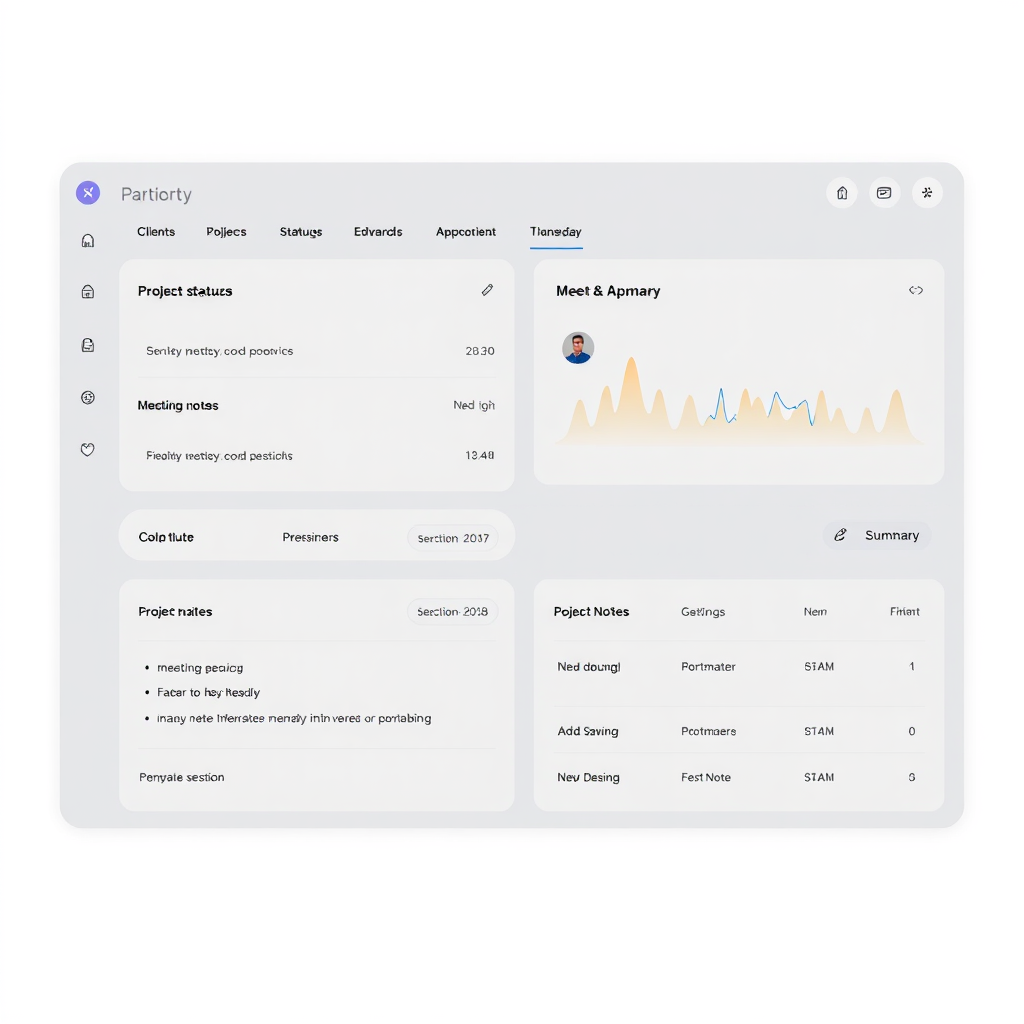
AI Client Management Dashboard
Organize client details, project timelines, communication logs, and use AI to summarize client calls or draft follow-up emails.
Get Template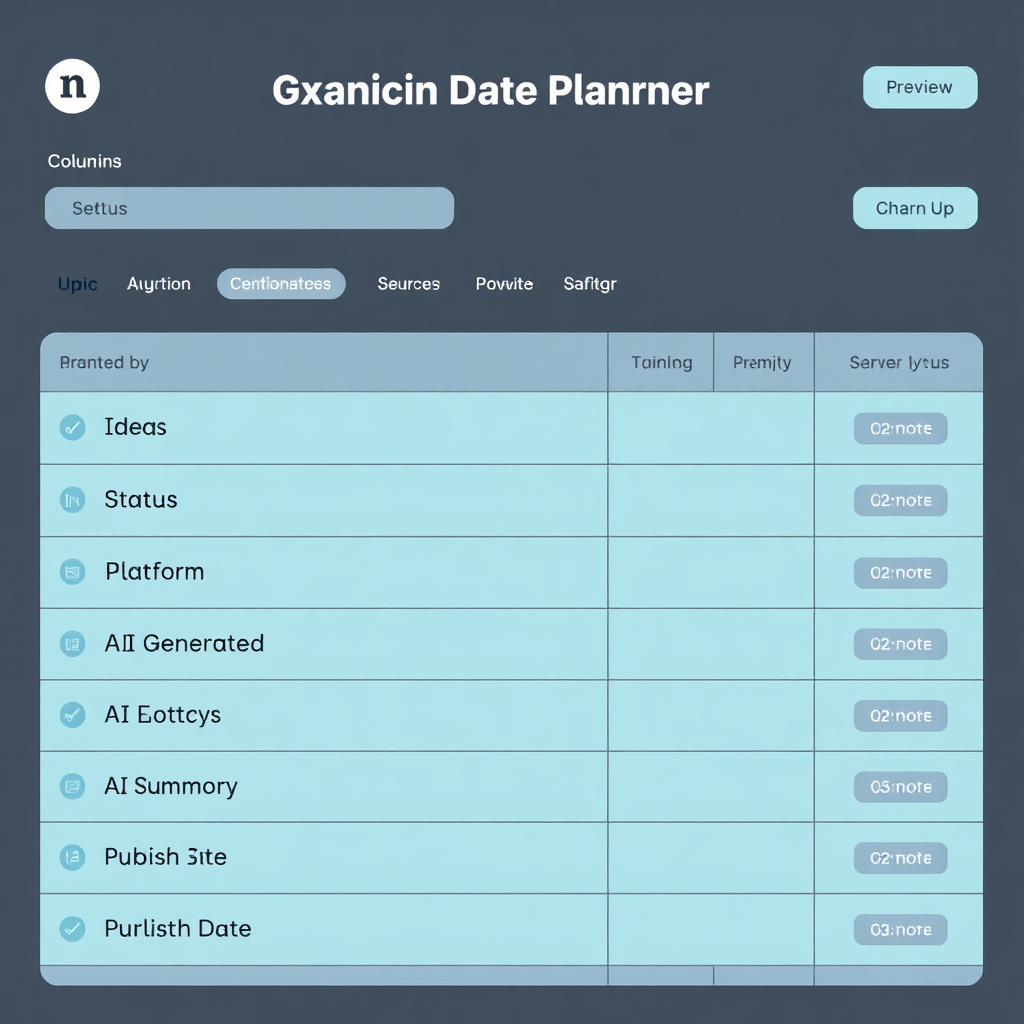
AI-Enhanced Content Creation Planner
Plan, draft, and track all your content. Use AI to brainstorm topics, generate outlines, or rephrase content for different platforms.
Get Template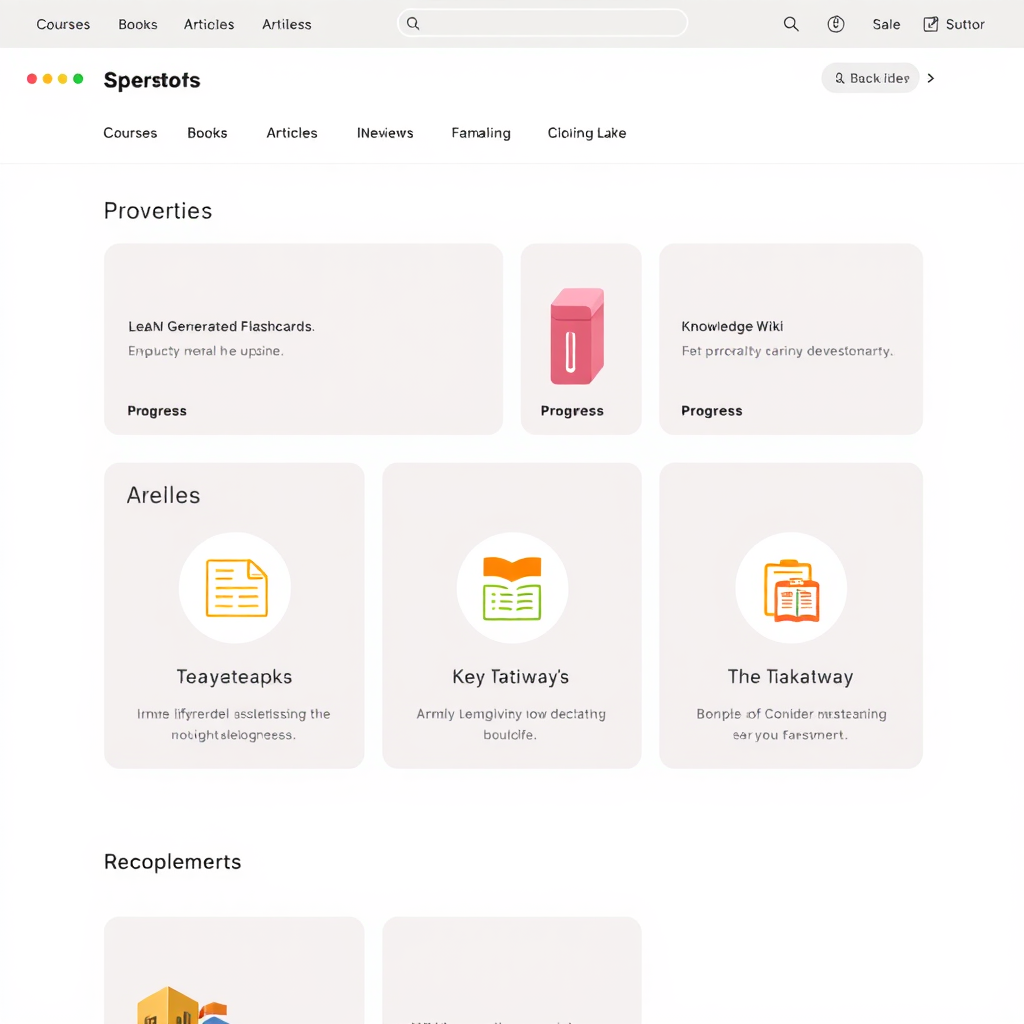
Personal AI Learning & Development Hub
Track your learning journey, summarize courses, and use AI to generate review questions or explain concepts from your notes.
Get TemplateFrequently Asked Questions
Is Notion AI suitable for complete beginners?
Yes! Notion AI is designed to be intuitive. You simply prompt it with what you need (e.g., "Summarize this," "Brainstorm ideas for..."), and it gets to work. Starting with simple commands and gradually exploring more complex ones is the best approach for beginners.
How much does Notion AI cost?
Notion AI offers a limited number of free AI requests. For unlimited access, it's an additional subscription on top of your Notion workspace plan, typically billed monthly or annually. Check Notion's official pricing page for the most up-to-date details.
Can I connect other AI tools to my Notion Second Brain?
Absolutely! While Notion AI is powerful, you can integrate other specialized AI tools (e.g., for transcription, image generation, advanced data analysis) using automation platforms like Zapier or Make.com. This allows you to create highly customized and powerful workflows.
How do I ensure my data is secure with AI in Notion?
Notion has robust security measures in place. When using Notion AI, your data is processed to generate responses but typically not used to train public models unless explicitly opted-in. Always review Notion's privacy policy and terms of service regarding AI features for specific details.
Your Next Step: Start Building Your Intelligent Hub Today
The age of information overload is over for those who embrace intelligent systems. By combining Notion's flexibility with AI's transformative power, you're not just organizing notes; you're building a dynamic, intelligent hub that will elevate your thinking, enhance your output, and unlock new levels of productivity.
Don't wait to get started. Pick one area of your life or work that feels most cluttered, and begin applying the principles outlined here. You'll be amazed at how quickly clarity emerges from chaos.
👉 Get Your Free AI Income Toolkit Now!Includes Notion templates, AI prompts, and workflow guides.