
Trello: Visual Workflow Management
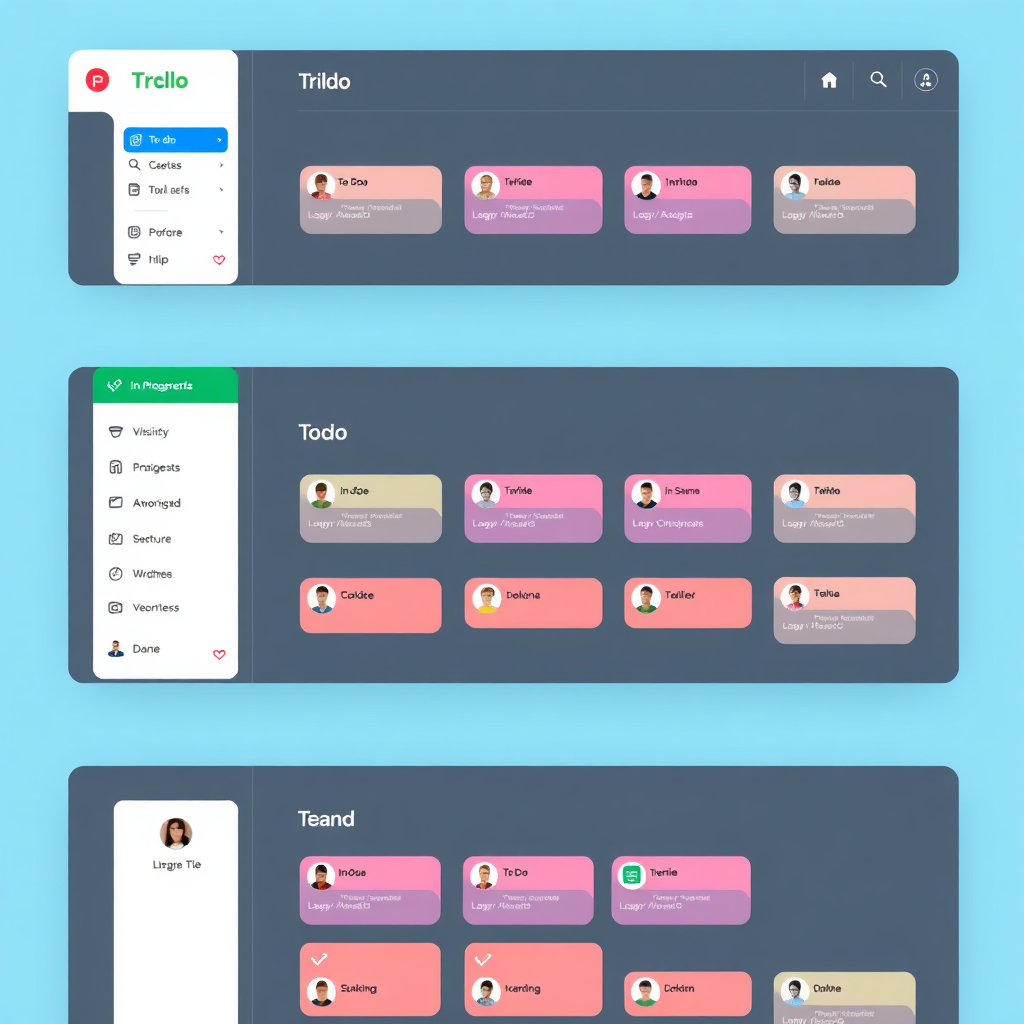
Organize projects, workflows, content pipelines, and team collaboration visually using boards, lists, and cards. Trello simplifies complexity for individuals and teams alike.
Category
Project Management
Difficulty
Very Low
Pricing
Free Forever Plan
Integrations
200+ Power-Ups
Best Use Case
Visual Pipelines
Recommended For
Visual Thinkers
What Trello Solves
Trello eliminates the friction in daily operations by centralizing scattered tasks into a highly visual, actionable system.
Visibility & Clarity
Solves the problem of scattered workflows. Instantly see what is pending, in progress, and completed across all projects.
Team Collaboration
Eliminates poor collaboration between teams or clients by providing a shared space for task updates and document attachments.
Operational Efficiency
Fixes disorganized content pipelines and manages SOPs manually with automated recurring tasks and Butler-driven workflows.
Who Should Implement This?
Matching the tool to your current operational stage.
Solo Creators
Freelancers and content creators looking to organize editorial calendars and client deliverables visually.
Small Agencies
Manage client onboarding and service delivery pipelines with shared boards and clear stage tracking.
Startup Teams
Operations managers and startups building lightweight operating systems and AI workflow builders.
Productivity Pros
Individuals tracking personal projects, habit systems, and AI automation experiments.
Primary Use Cases
Content Production
Manage blog articles, social media posts, and video production from research to scheduling.
Client Delivery
Perfect for agencies and freelancers to track communication, assets, and approvals.
SOP & Ops Hub
Lightweight hub for weekly operations, team processes, and recurring maintenance.
Core Platform Highlights
Trello uses a highly visual structure to manage simple and advanced workflows.
Kanban-Style Boards
Boards represent your projects or systems. They provide the workspace for lists and cards.
- Drag-and-drop interface
- Instant workflow visibility
Extensible Power-Ups
Connect Trello to major platforms and extend its functionality with ease.
- Google Drive & Slack integrations
- Calendar and timeline views
Trello Setup Guide
Create Your Workspace
Start with a dedicated workspace for your business or projects. Include boards for Operations, Content, and Marketing.
Build Core Boards
Recommended starter boards: Master Dashboard, Content Pipeline, Client Management, and SOP Management.
Standardize Lists & Templates
Create consistent workflow stages (Inbox → Planned → Active → Review → Complete) and reusable card templates.
Add Automations & Integrations
Use Butler to auto-assign tasks or move cards. Connect Google Drive, Slack, or Make to extend functionality.
Expert Best Practice
Limit active tasks on a board. Too many active cards reduce visibility. Archive completed cards regularly to prevent clutter buildup.
Real-World Case Examples
Creator Workflow
Content Engine Management
Manages video ideas, script writing, thumbnail production, and publishing schedules across all platforms.
Result: Streamlined content engine.
Agency Operations
Service Delivery Excellence
Tracks client onboarding, project delivery, team management, and asset approvals with full visibility.
Result: Improved delivery consistency.
Startup Management
Product & Marketing Dev
Organizes product development, marketing execution, and launch timelines in a central hub.
Result: Centralized operational coordination.
Recommended Integrations
Pair Trello with these tools to build a highly effective execution layer for your digital operations.
Make / Zapier
Advanced automation.
Notion
For deep documentation.
Canva
Creative approvals.
Slack
Team communication.
Drive
Asset management.
The Trello Advantage
-
Extremely Beginner Friendly
Lowest learning curve among project management tools. Start in minutes.
-
Highly Visual
Instant workflow visibility. Excellent for visual thinkers and lean teams.
-
Extreme Flexibility
Works across many business models from CRMs to editorial calendars.
Platform Limitations
-
Clutter At Scale
Large teams and high card volume may require strict organizational rules.
-
Basic Project Management
Not as advanced as enterprise tools for complex resource management.
-
Limited Documentation
Not ideal as a full knowledge management system; best paired with Notion.
Trello vs Other Tools
Choosing the right visual system for your specific needs.
| Tool | Best For | Main Difference |
|---|---|---|
| Trello | Visual workflows | Simplest workflow system |
| Notion | Knowledge management | Better for deep documentation |
| ClickUp | Full operations | Advanced but more complex |
| Monday.com | Enterprise collaboration | Enterprise-focused structure |
Recommended Board Structure
Operations
- CEO Dashboard
- SOP Library
- Team Tasks
- Automation Tracking
Execution
- Content Pipeline
- Marketing Operations
- Weekly Planning
- Product Development
Delivery
- Client Management
- Knowledge Hub
- Revisions Tracking
- Freelancer Delivery
Frequently Asked Questions
Is Trello Free?
Yes. Trello offers a generous free plan suitable for individuals and small teams starting out.
Can Trello Replace Notion?
Not entirely. Trello is stronger for workflow execution, while Notion is better for documentation and knowledge bases.
Is Trello Good For Content Creation?
Yes. It is one of the best lightweight tools for content workflow management and editorial calendars.
Can Trello Be Automated?
Absolutely. Using Butler, Make, or Zapier, Trello can become part of advanced automated business systems.
Final Verdict: Trello
Trello remains the gold standard for visual workflow management. Simplicity, flexibility, and power combined into one platform.